Where to Find the BAA Contract
Last updated: September 8, 2026
Locating your signed Business Associate Agreement (BAA) on file — The BAA is stored on the company profile page, alongside other company-level settings.
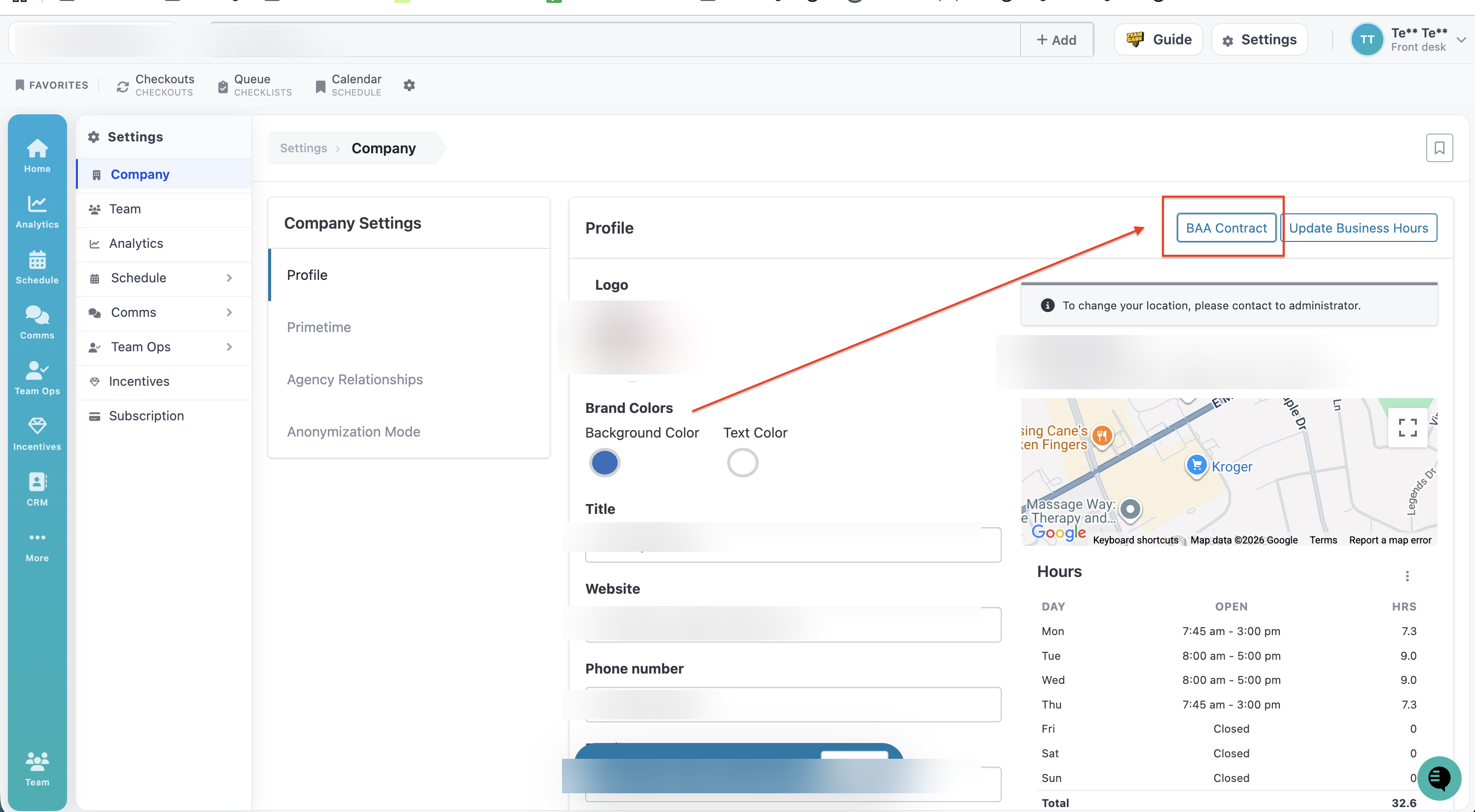
Navigate to "Settings" in the top right corner
Select Company from the menu.
A pop-up page will open showing your company profile.
On that page, the BAA contract is located just above the map, next to the Update Business Hours button.
Note: The BAA is tied to the company profile, not to any individual user account — any team member with access to Settings > Company can locate it the same way.