Demographics
Last updated: January 25, 2026
Demographics
Geography and Census
Within the Practice dashboards, you also have access to information about your practice regarding its patient demographics.
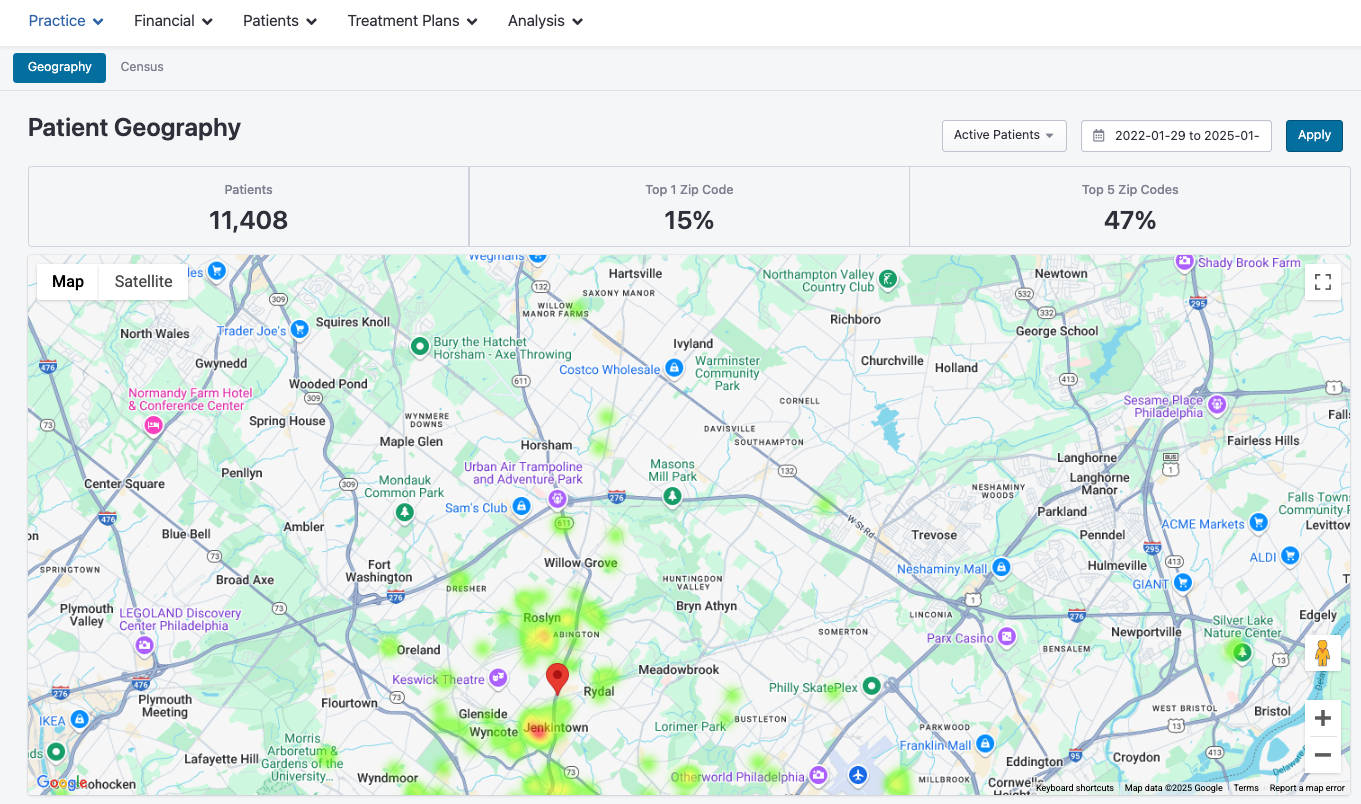
By navigating to your Home dashboard, then clicking Practice > Geography, you'll be taken to a Patient Geography dashboard that shows you how many active patients you have, how many share a zip code and other important information on their location.
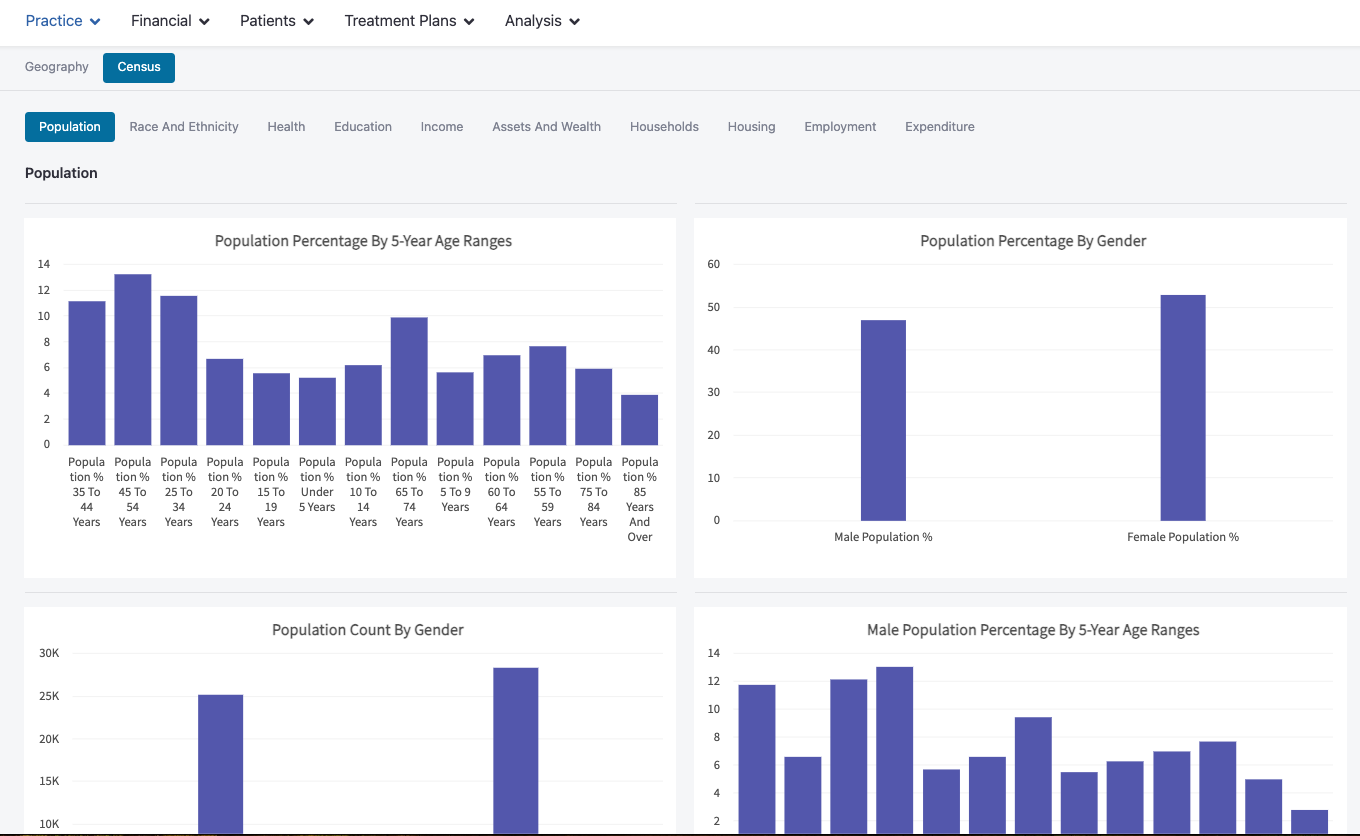
Clicking into the Census tab provides additional charts and metrics on things like Population, Income and education of your patients. (These are averages per zipcode)