Patient Experience: How does do my patients see the scheduler?
Last updated: March 5, 2026
The Patient Journey: From Click to Chair
What does it actually look like for your patients? We’ve designed the interface to be "mobile-first," clean, and incredibly fast.
Booking Flow
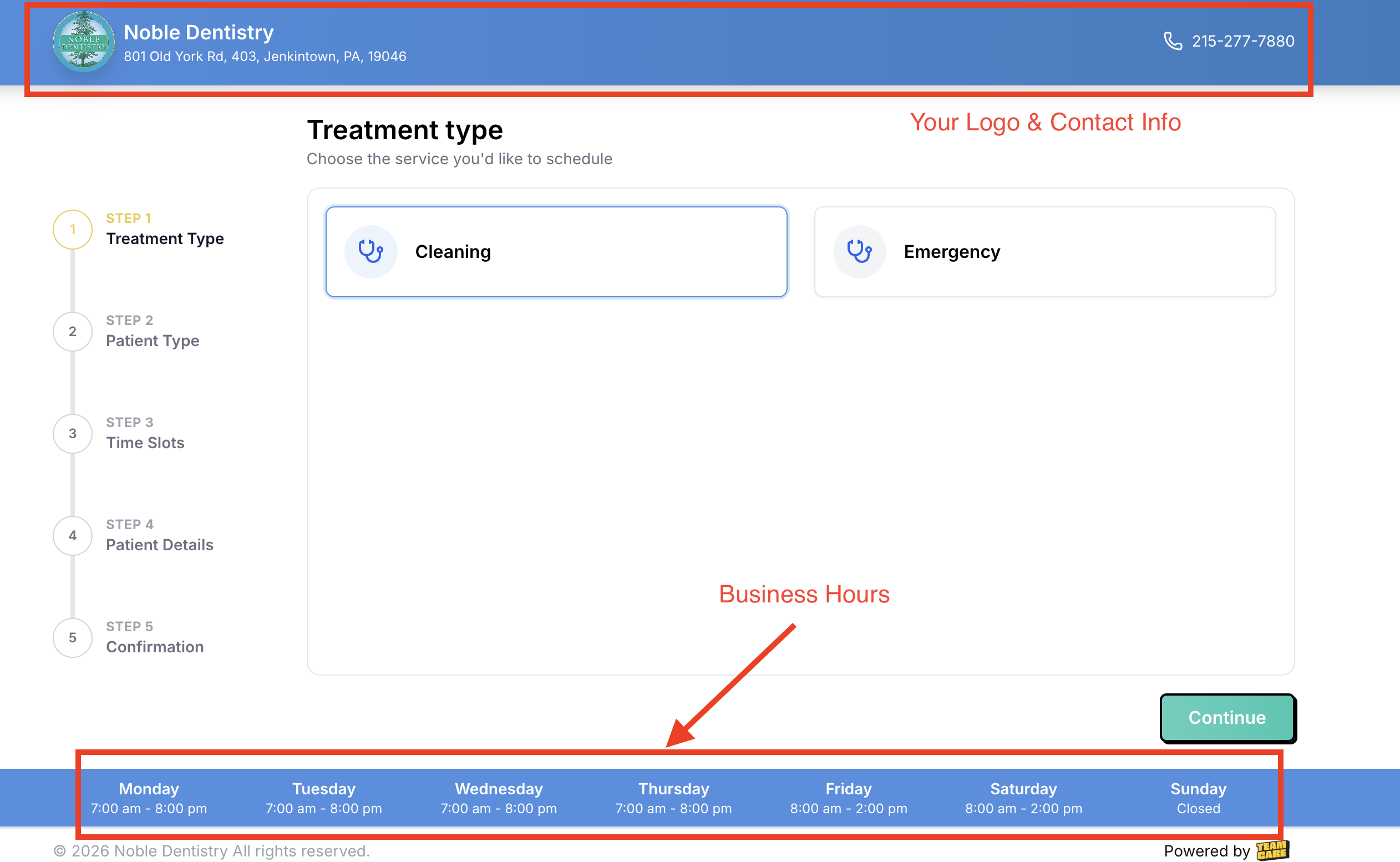
Patient choses appointment type
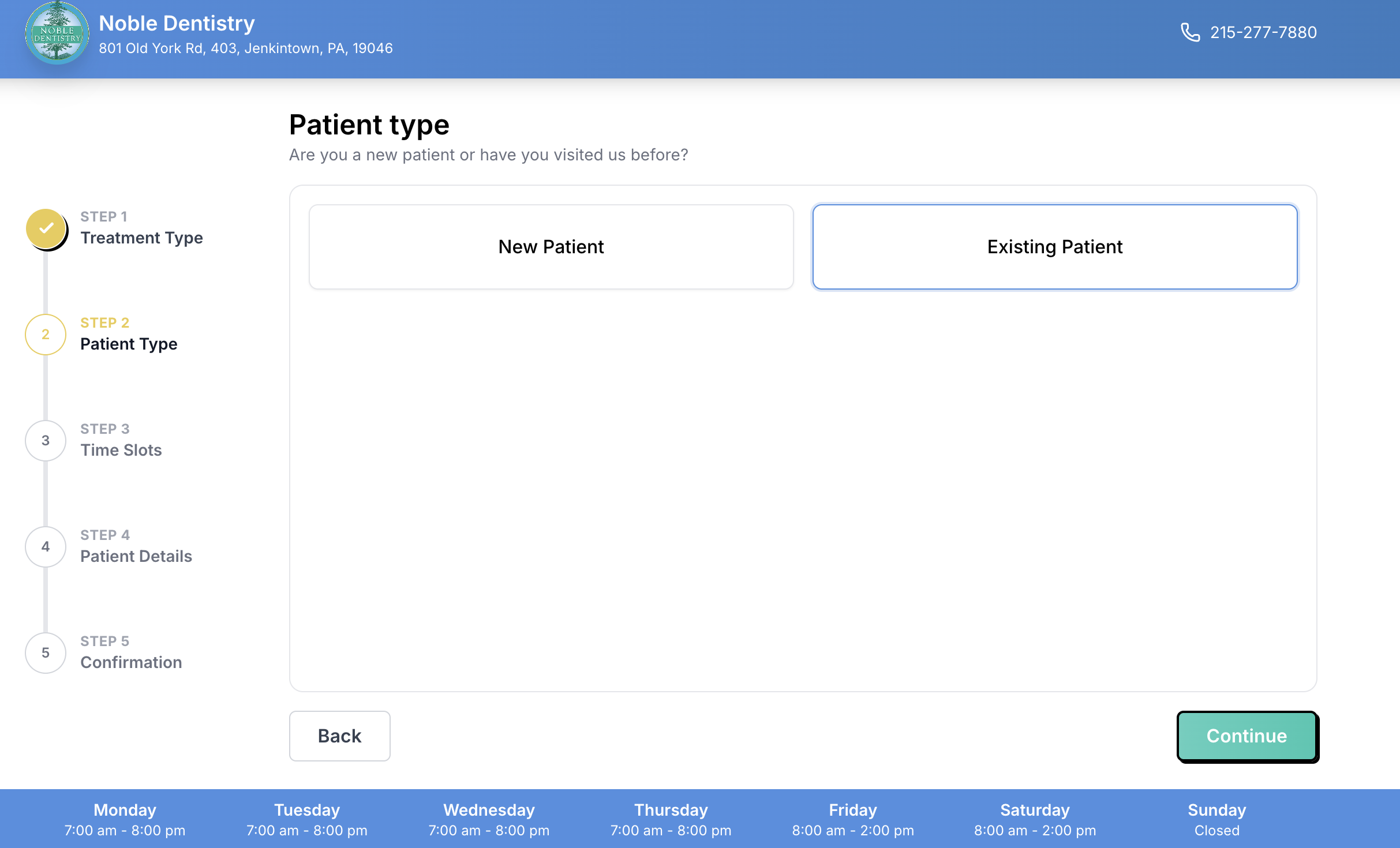
Patient choses from New or Exisiting Patient: This is an exceptional feature by recognizing it is an existing patient it will automatic enter all their information and what treatment they may need. Never booking an existing patient as a new one. The link they book from is personal only to that patient.
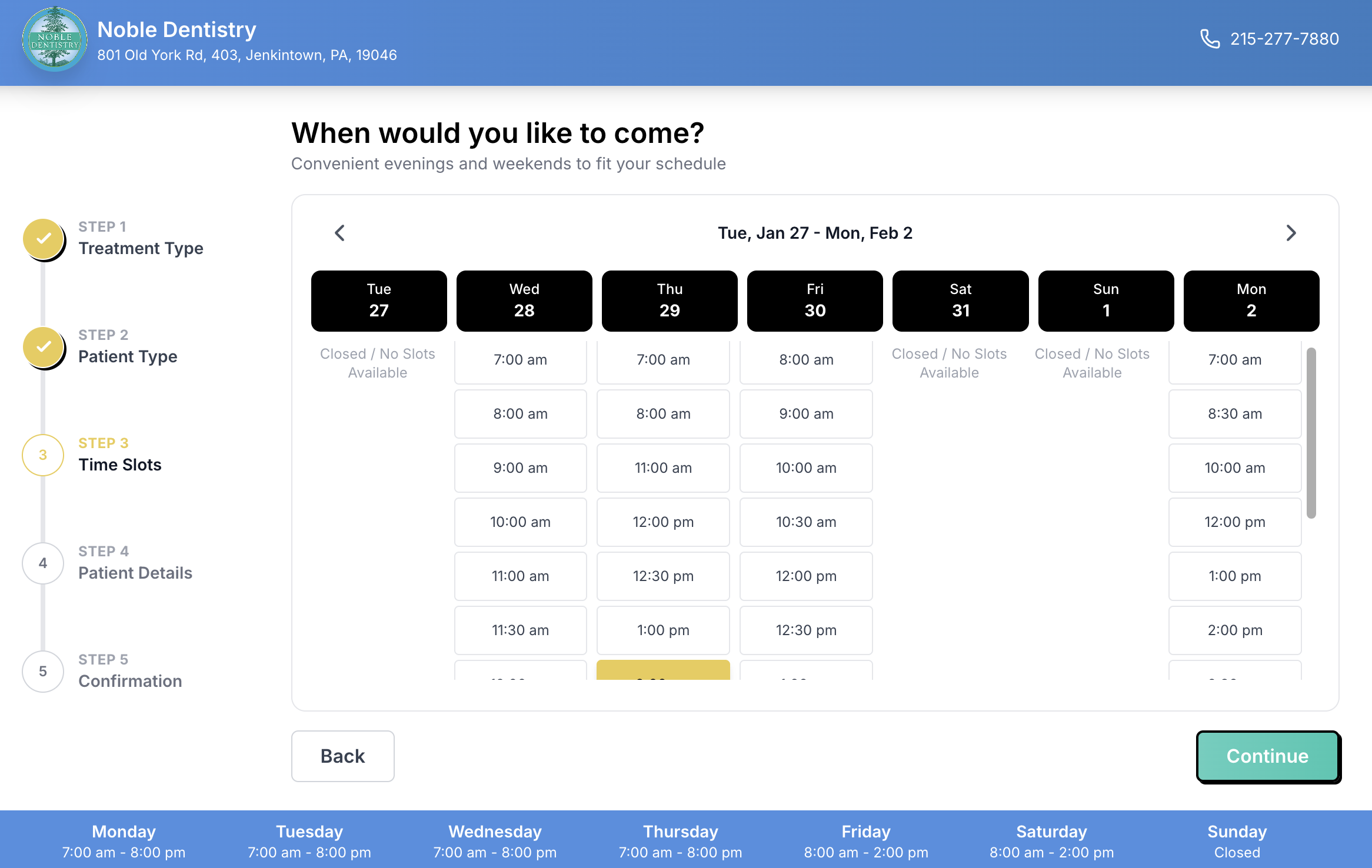
3. Availability: They see a real-time calendar of open slots (no login required!).
Details: The patient enters their contact info and answers any custom screening questions you’ve set (e.g., "Do you have dental insurance?").
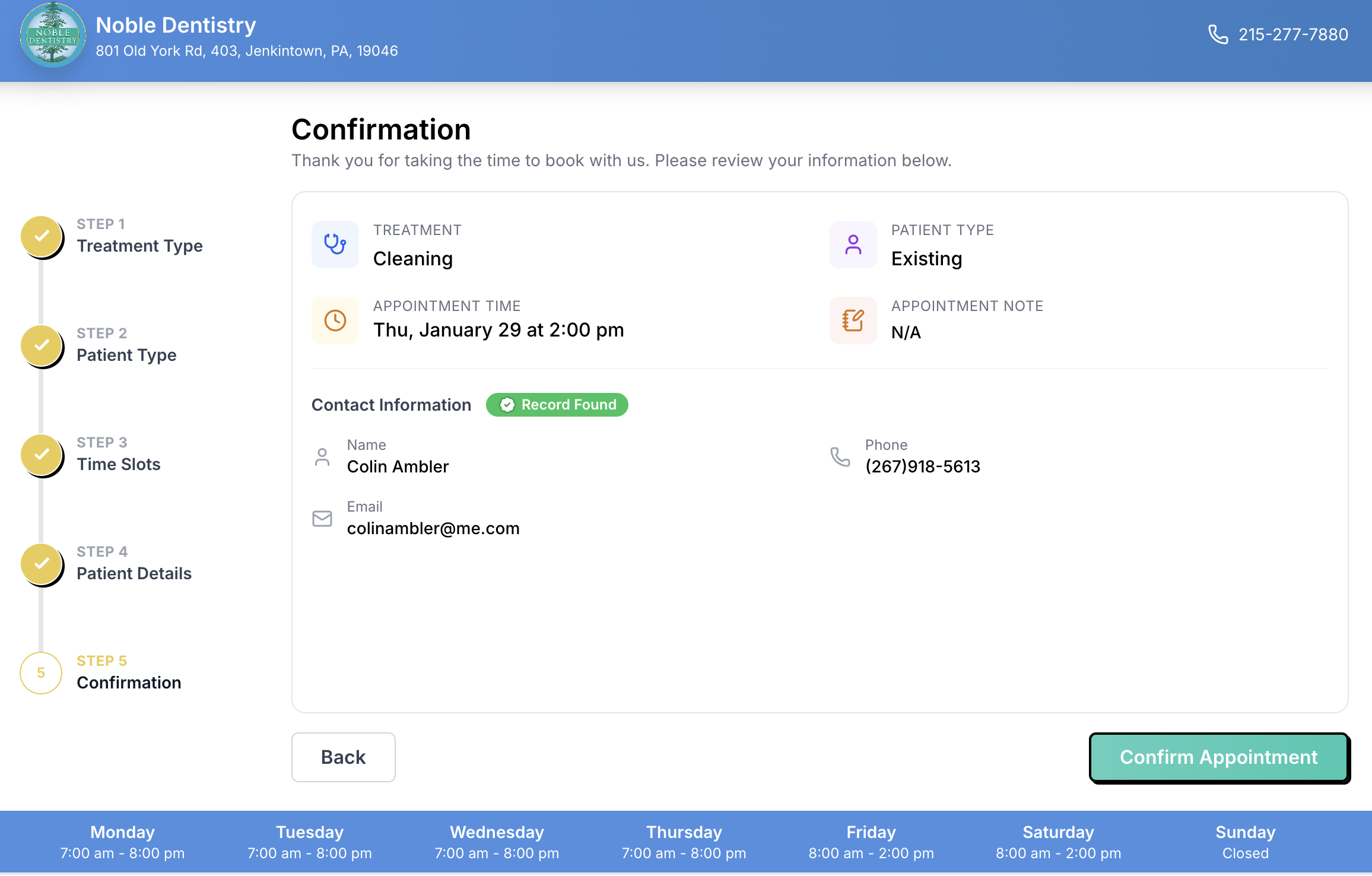
Confirmation: A "Success" screen appears instantly.
Practice Notifications
The moment a booking is confirmed, TeamCare goes to work behind the scenes:
Instant Email Alert: Your practice receives a notification email containing the patient’s name, contact details, and chosen time.
PMS Sync: The appointment is automatically written into your Practice Management Software (OpenDental, EagleSoft, Dentrix, etc.).
Patient Receipt: The patient receives a professional email confirmation with a calendar invite ($ics$ file) so they can add it to their personal phone.
Other Views
Direct Patient Links
Each appointment type can have its own direct patient link. This allows a link to be shared directly with the patient that skips steps and takes them right to point of booking for that purpose. This commonly applies to hygiene reactivation.
List View (Low Availability)
When a particular appointment has a low level of availability, the visuals of the scheduler will adapt to create a better patient experience. Instead of the default "grid or table" view, it will instead shift to list view.