How To Accept Payments with TeamCare
Last updated: October 20, 2025
Once your payment processing setup is complete in TeamCare, using it with patients is quick and easy. This guide walks you through the step-by-step process of presenting a treatment plan, collecting a signature, and processing payment directly from your iPad or iPhone.
💡 This guide assumes your Stripe payment processor and any required hardware (e.g. Stripe Reader M2) are already set up and connected.
🔁 Step-by-Step: Presenting Treatment Plans & Accepting Payment
Open the TeamCare App: Launch the TeamCare app on your iPad or iPhone.
Access the Patient’s Profile
Tap the menu icon (☰) in the top left corner.
Select “Patients” from the menu.

Locate and tap on the patient you’re working with.
Navigate to Treatment Plans
Tap “Treatment Plans” from the patient’s profile.

You’ll see the active treatment plan listed—tap to open it.

Present and Sign the Treatment Plan
Tap “View Case Presentation” to review the plan with the patient.

Tap “Sign Document” to allow the patient to sign directly on the screen.
Hand the device to the patient to sign.
Once signed, tap “Save” to apply the signature to the treatment plan document.
Submit the Plan
Tap “Submit” to confirm the signed treatment plan.
Take Payment
Tap “Take Payment”

You’ll see three payment options:
Pay in Full
Payment Plan
Deposit

Choose the option your patient prefers, then tap “Submit.”
Select Payment Processing Method
You’ll now be prompted to choose a payment processing method:
Tap to Pay (available on supported iPhones only)
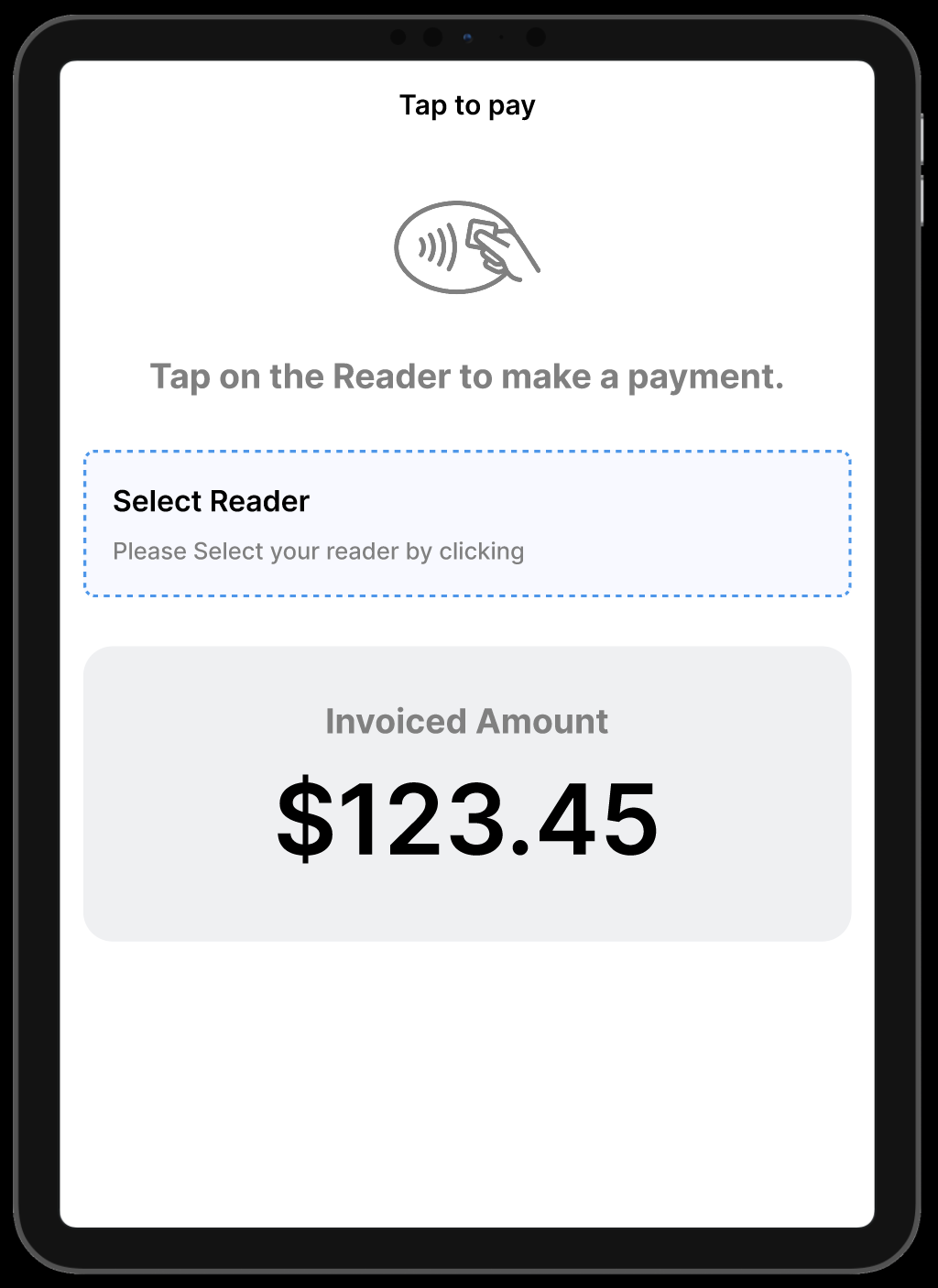
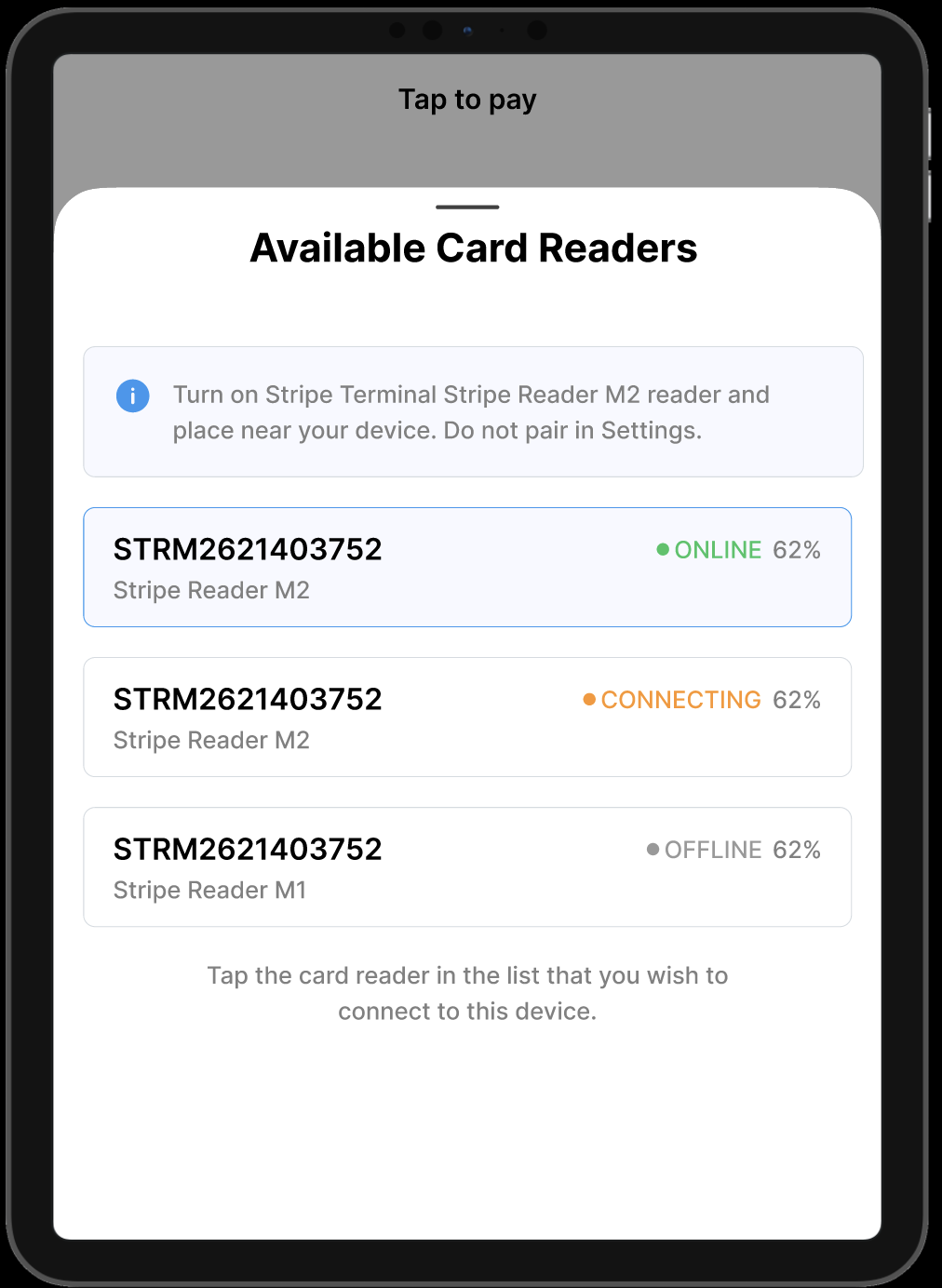
Stripe Reader M2 (or your connected reader)
Manual Entry
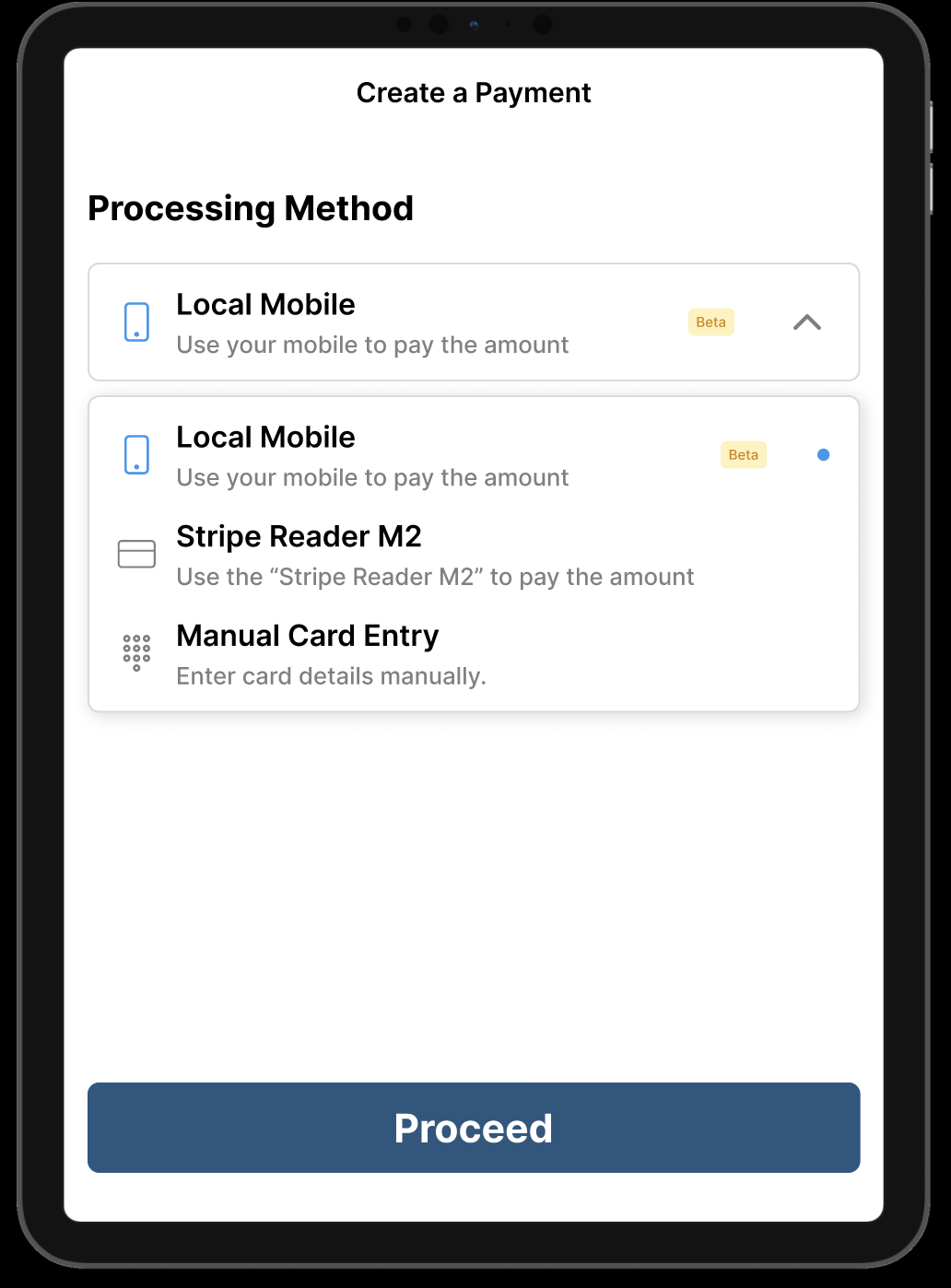
🔌 Make sure your Bluetooth is enabled if you’re using a Stripe reader.
Complete the Transaction
The patient can tap if using mobile
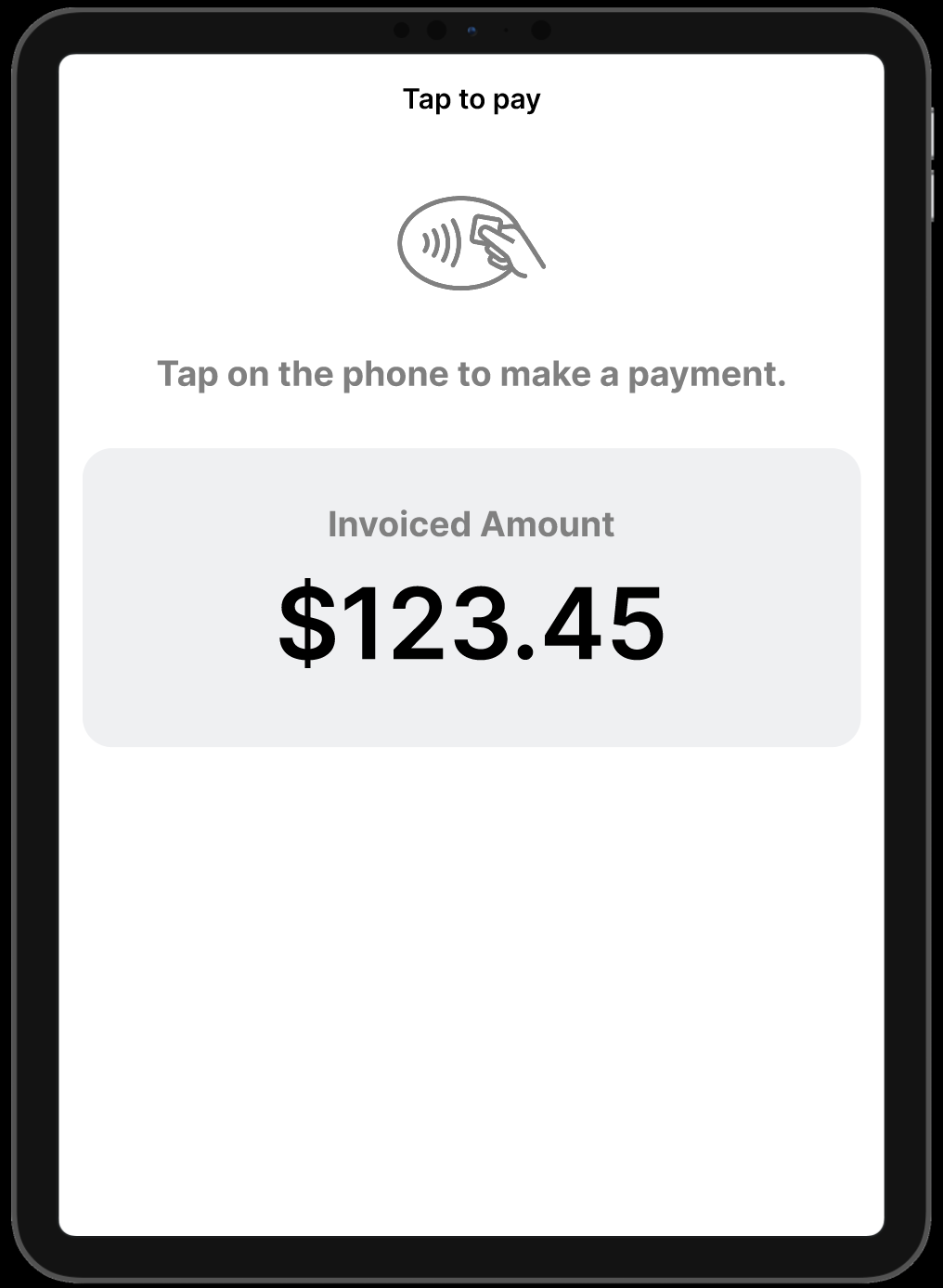
Or tap, insert, or swipe their card depending on the reader.
Once the transaction is successful, it will be automatically synced back to your Practice Management System (PMS).
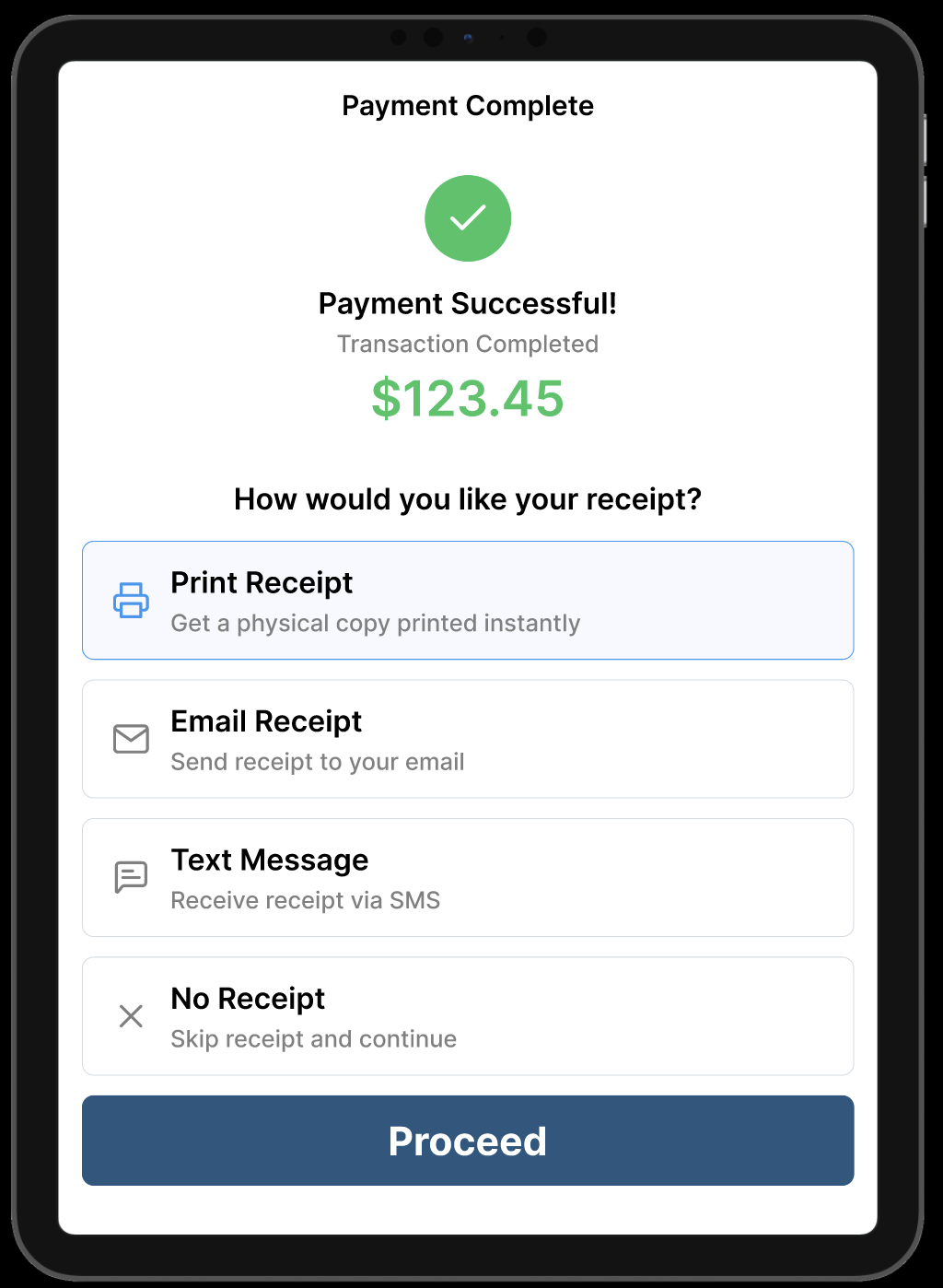
Receipt Options: After payment, choose how to deliver the receipt:
Print
Email
Text
No receipt
✅ That’s it! Your payment is processed and recorded.