Updating Brand in Stripe for Payment Links and Receipts
Last updated: November 20, 2025
To ensure your receipts reflect your practice's branding instead of TeamCare, follow these steps:
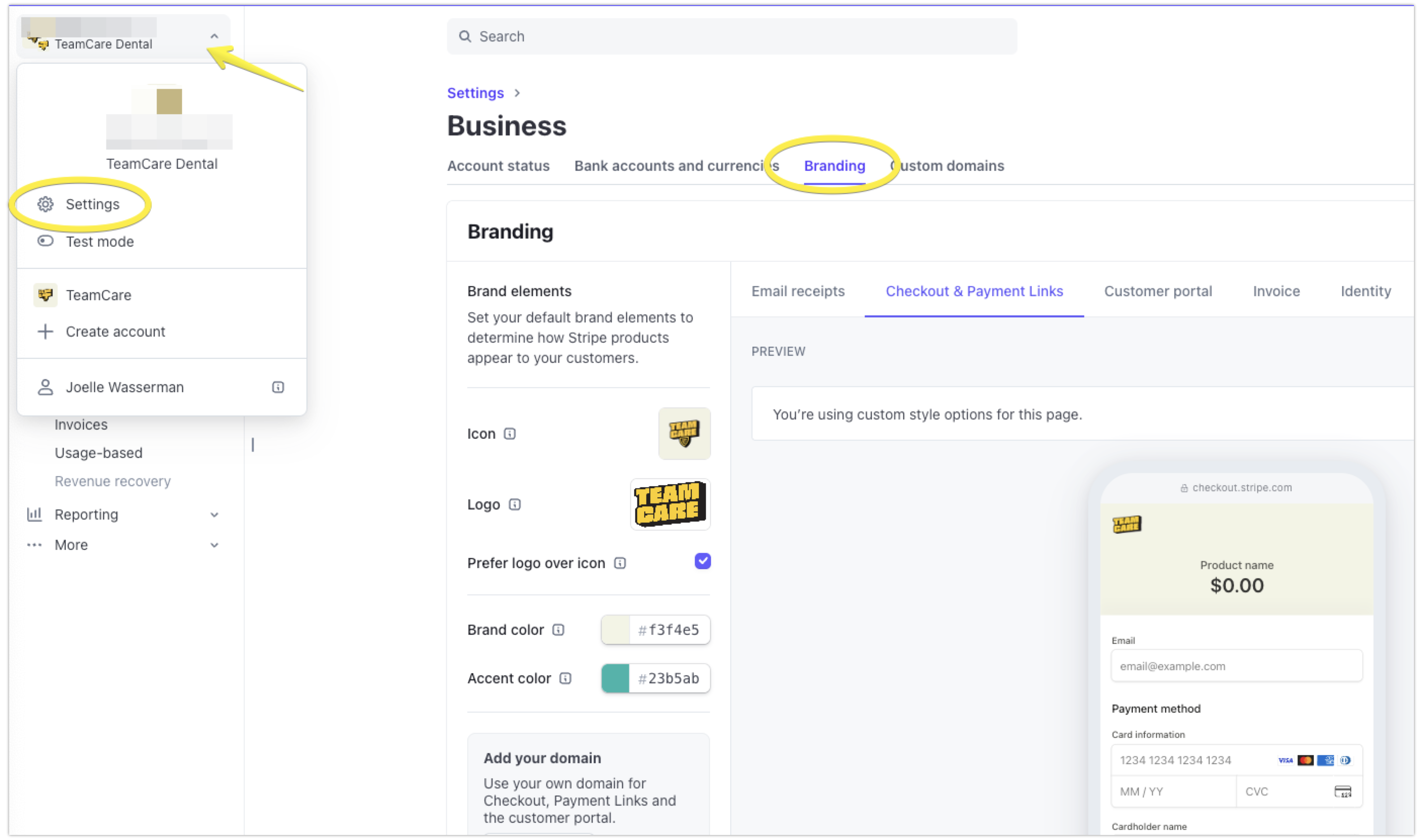
Log into your Stripe account.
Navigate to Business Settings > Branding.
Update the branding settings so that your receipts and payment links align with your practice's identity.
If you have any questions or need further assistance, please let us know.