Using the TeamCare Mobile App
Last updated: March 12, 2026
Stay connected to your practice anytime, anywhere. The TeamCare Dental mobile app puts the power of real-time practice management right in your pocket, ensuring you never miss a beat—whether you're in the clinic or on the go.
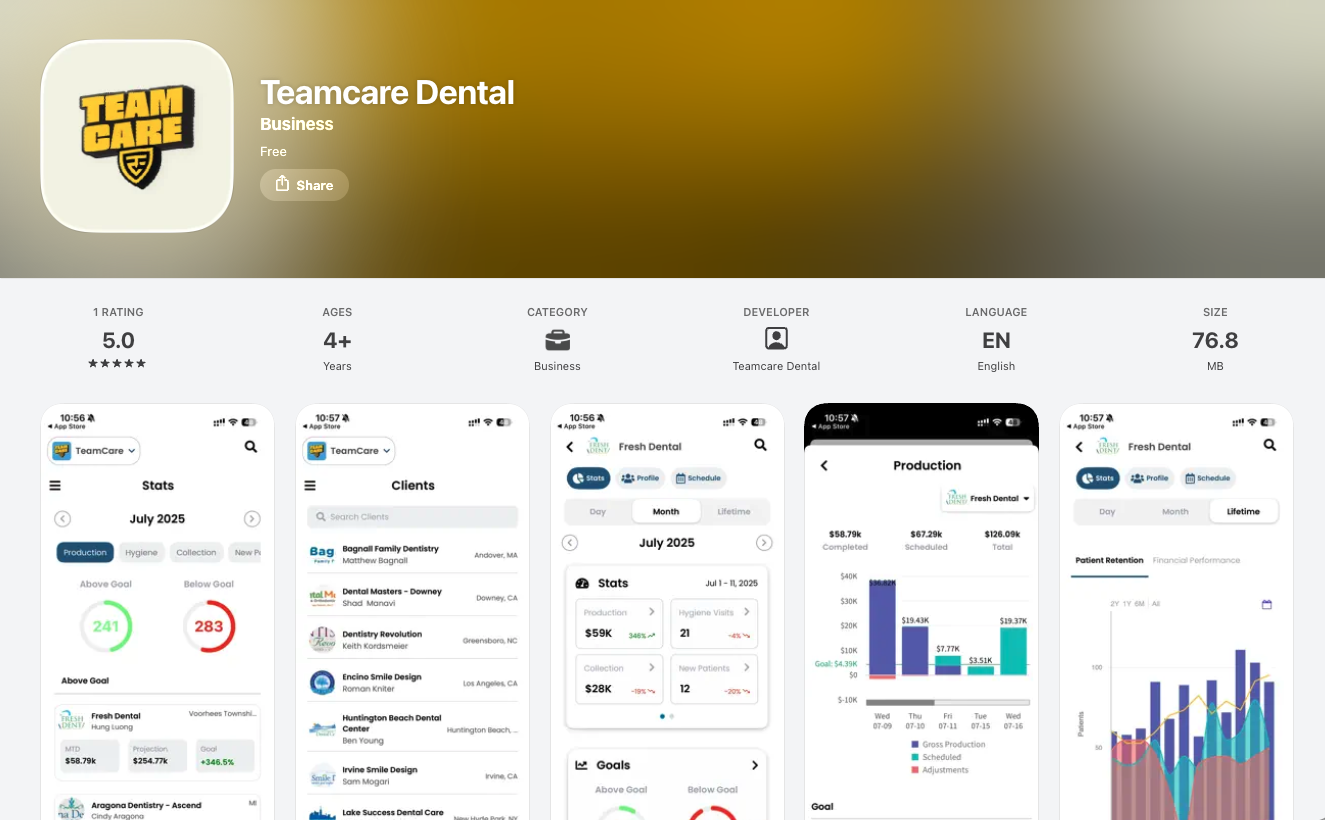
Download App on App Stores


Why You’ll Love the App
The TeamCare app isn't just a mobile version of our website; it’s a streamlined tool designed for speed and convenience.
Real-Time Performance: Monitor production and collection metrics as they happen.
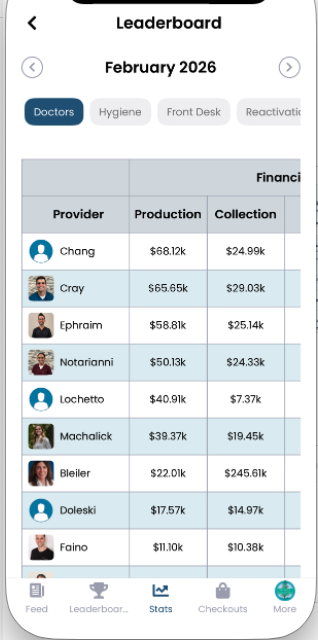
Stay Competitive: Check the leaderboard standings at a glance to see where your team ranks.
Manage Your Day: View your full schedule and upcoming appointments without hunting for a terminal.
Instant Notifications: Get alerts for tasks, messages, and important team updates the moment they happen.
⚡ NEW: The Home Screen Widget
Keep your goals in sight without even opening the app.
We’ve introduced a powerful iOS and Android widget that brings your monthly goals directly to your phone's home screen. With the TeamCare widget, you can track:
Hygiene Visits
New Patient counts
Production vs. Projection
Collection totals
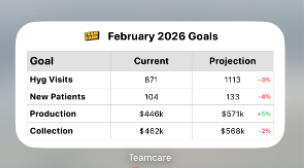
Tip: To add the widget, long-press your home screen, search for "TeamCare," and select the Goal Tracker size that works best for you.
Inside the App
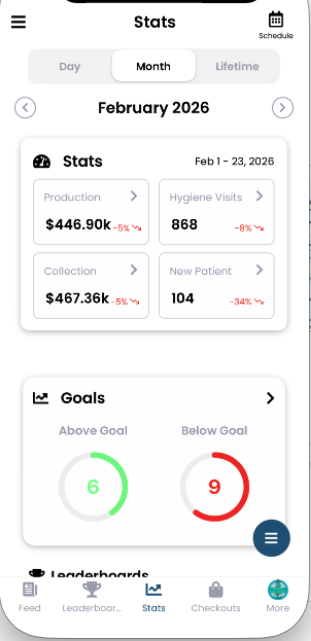
1. The Dashboard & Goals
Track your progress toward monthly targets with easy-to-read progress bars and percentage projections. Knowing exactly where you stand helps the team stay motivated to hit those month-end bonuses!
2. Schedule & Leaderboard
Quickly toggle between your daily schedule and the practice leaderboard. Transparency is the key to a winning culture, and now it's available in one tap.
How to Get Started
Getting set up takes less than 60 seconds.
Download: Open the App Store (iPhone) or Google Play Store (Android).
Search: Search for "TeamCare Dental."
Log In: Use your existing TeamCare account credentials.
Set Your Widget: Follow the steps above to add your goals to your home screen!