TXP Reactivation: How can I change the cadence of follow-ups?
Last updated: February 16, 2026
You can customize how often your team is prompted to contact patients by adjusting the Doctor Reactivation Settings.
Steps to Update Cadence:
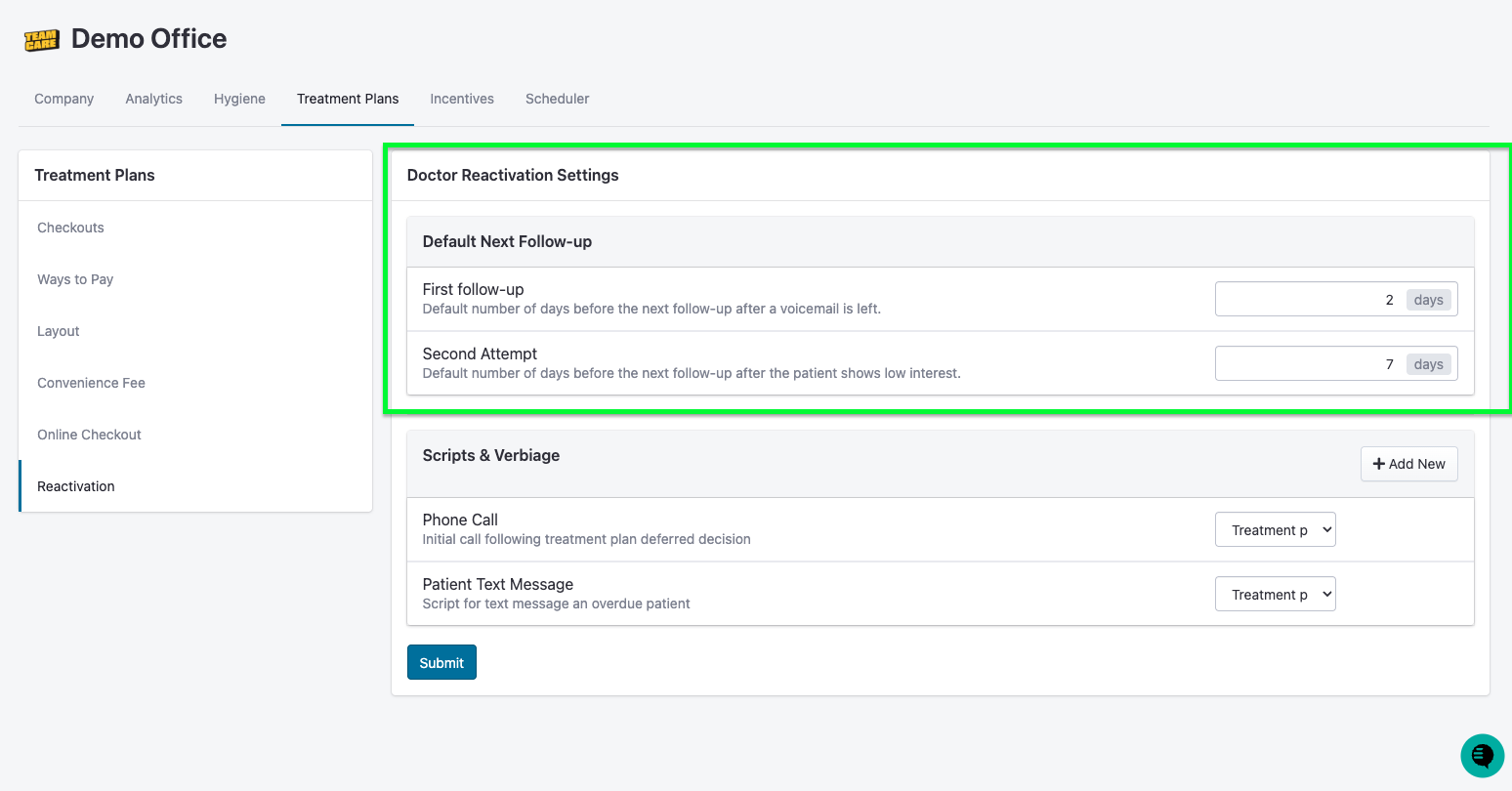
Navigate to Settings (Gear icon) > Treatment Plans > Reactivation.
Locate the Default Next Follow-up section:
First follow-up: Set the number of days the system should wait to surface the patient again after a Voicemail is left (Default is typically 2 days).
Second Attempt: Set the number of days to wait after a patient shows Low Interest or a second unsuccessful attempt (Default is typically 7 days).
Save Changes: Click Submit at the bottom of the page to apply the new timing to your workflow.