Understanding Practice Dashboards
Last updated: June 23, 2026
Performance-
Lifetime Stats
Patient Retention
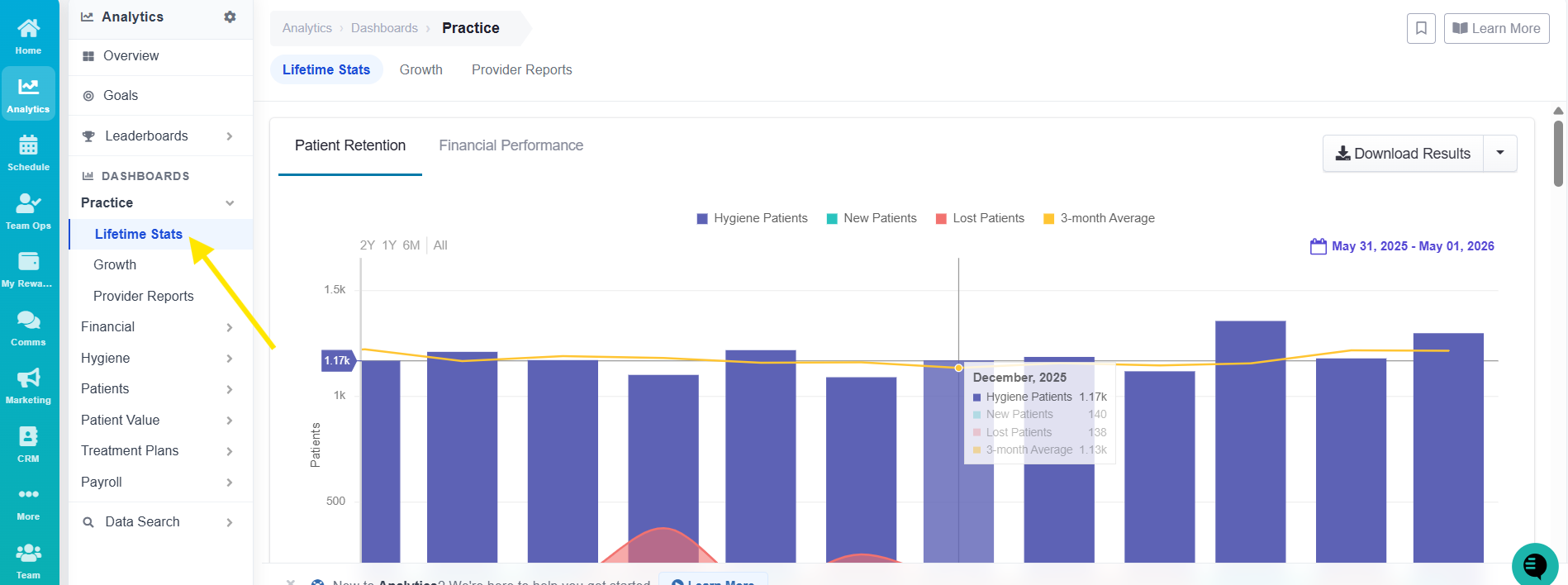
Breaking down your monthly / Lifetime Hygiene Performance
Purple shows how many hygiene visits were completed each month
Green is New Patients attended each month
Red is patients lost each month. (not returned in a 6 month period for Hyg.)
Yellow shows a 3-month rolling average
Understand Patient Movement
Get clarity on:
Patient Loss: Check how many reactivation patients you need to contact (red)
Patient Gains: See what’s working to attract new patients (green)
Retention Rates: Check your previous 6 months, and the pre-appointment rate. Pre-appointment can not dip below 98% to sustain continuous growth. Make sure you have openings available in hygiene.
Below that is a historic broke down by year. This will allow you to compare all the important analytics of growth with respect to your history.
Financial Performance
Lifetime-
Production-Purple
Collection-Green
Three month Average-Red
Production per Patient-Yellow
Scroll down again to get Historical perspective
Goals
Your Practice Performance Goals dashboard allows you to keep track of how your practice is performing month over month. For full details on understanding goals, see the related article linked below.
Leaderboards
TeamCare’s Leaderboards are designed to promote accountability, transparency, and healthy competition across your team. They track real-time performance metrics by role, helping you identify top performers and support team members who need coaching.
What You’ll See: Each leaderboard is tailored to specific roles and updates daily with key performance metrics.
Demographics
Geography and Census
Within the Practice dashboards, you also have access to information about your practice regarding its patient demographics.
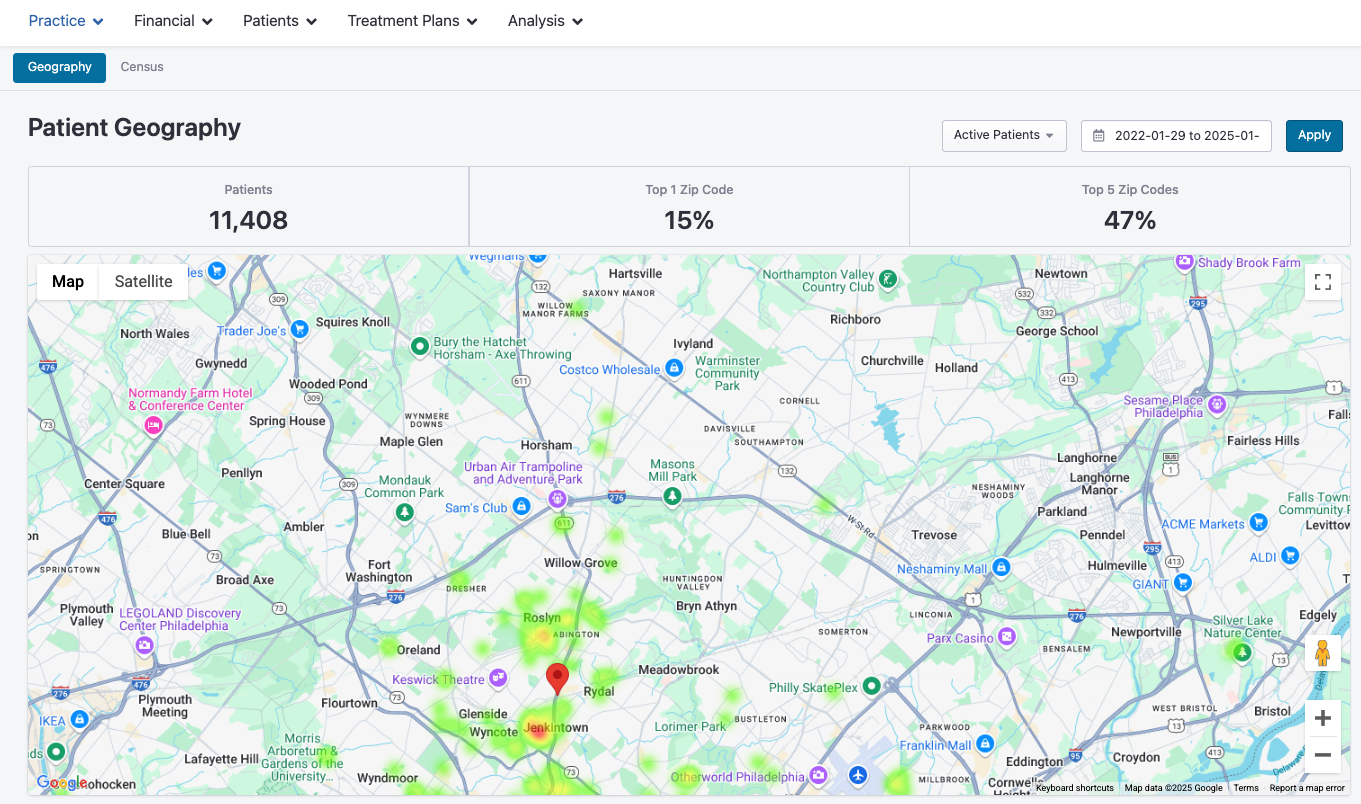
By navigating to your Home dashboard, then clicking Practice > Geography, you'll be taken to a Patient Geography dashboard that shows you how many active patients you have, how many share a zip code and other important information on their location.
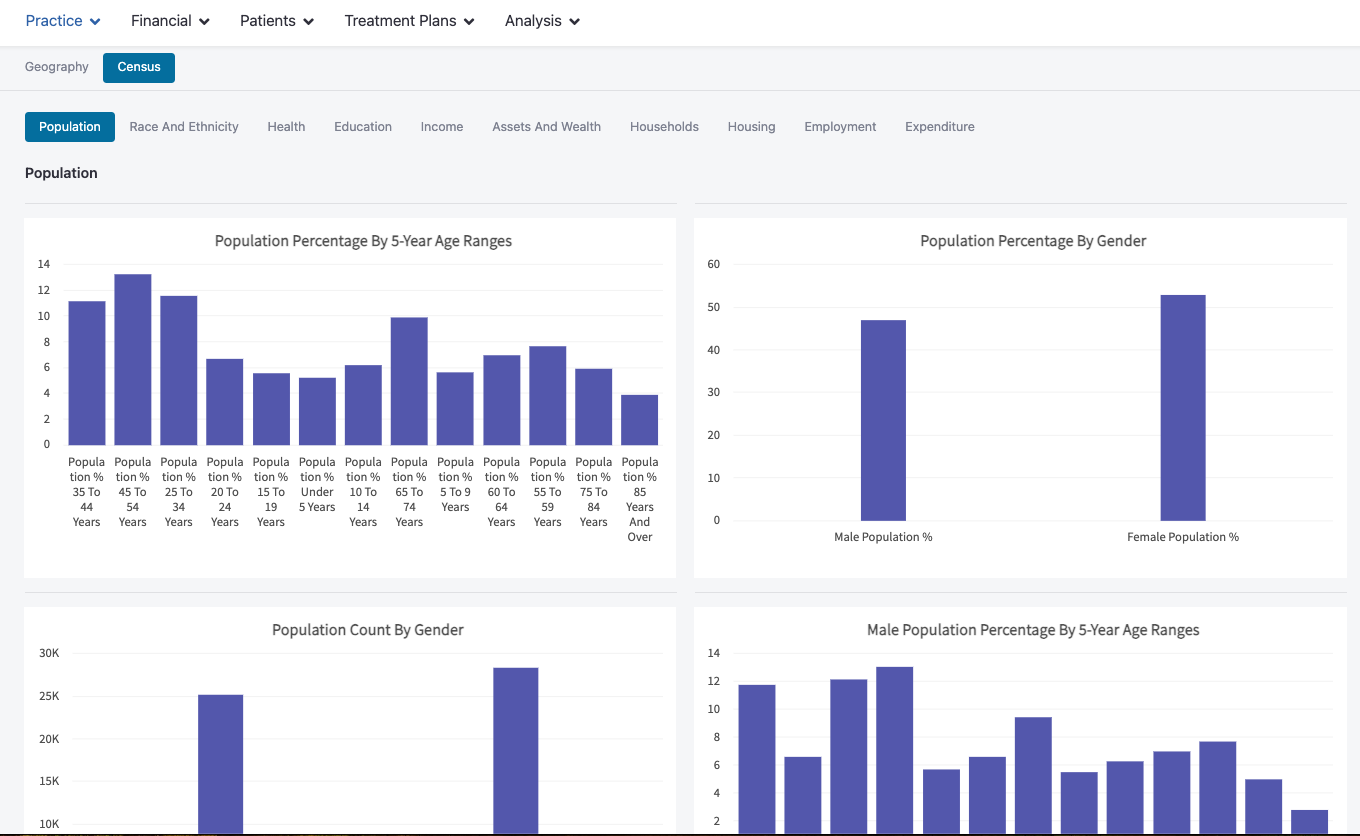
Clicking into the Census tab provides additional charts and metrics on things like Population, Income and education of your patients. (These are averages per zipcode)
Live Leaderboards in Your Teamroom
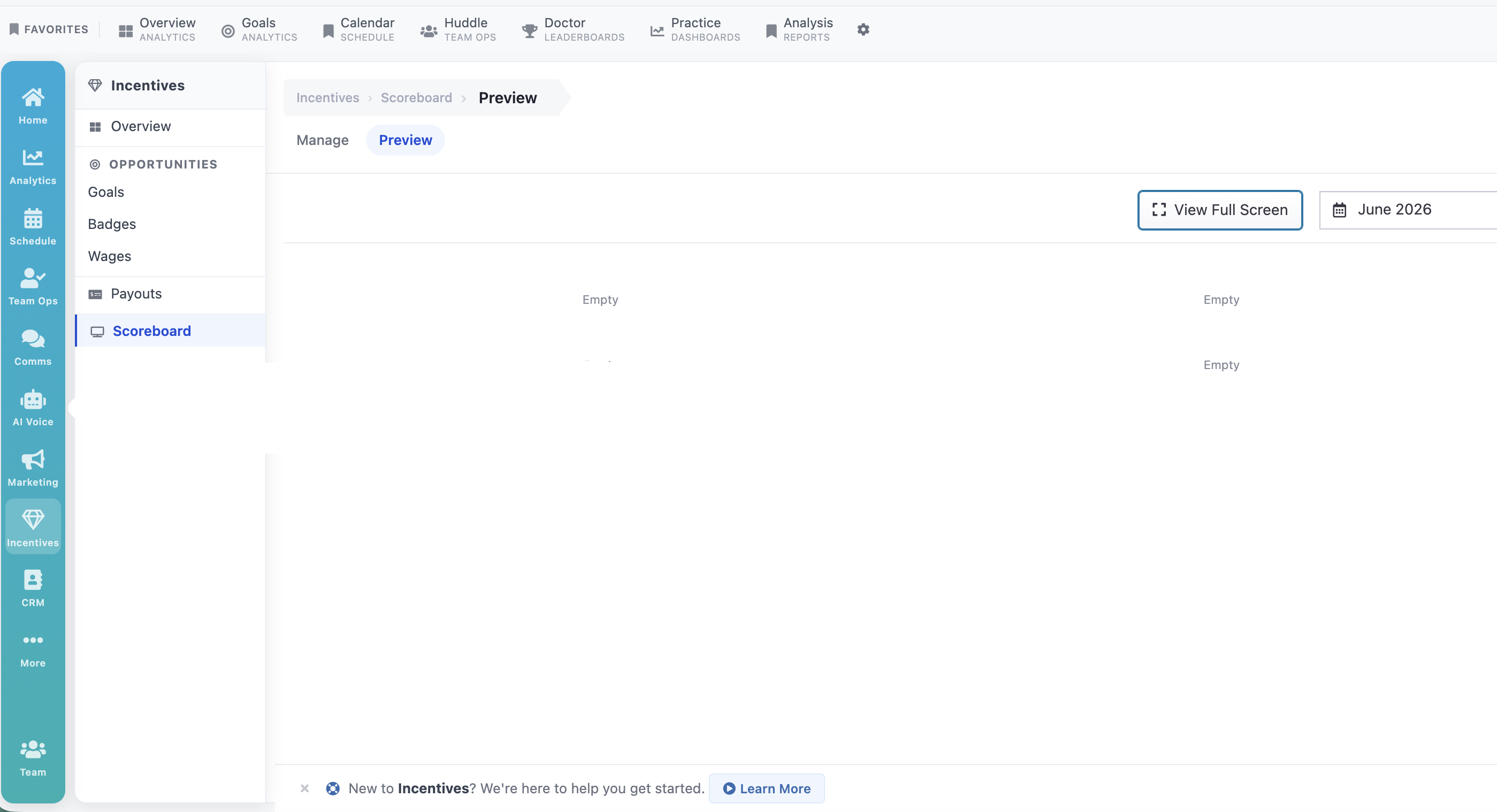
If you want a live display of your leaderboards in your teamroom. Please go to Incentives and Scoreboard you can make up to four slides and then preview them and display them live.