How does TeamCare recognize new patients?
Last updated: February 26, 2026
The Logic: Production-Based Recognition
In TeamCare, a patient is officially recognized as a New Patient at the moment their ledger reflects their first non-$0 procedure code.
Why use the Ledger vs. Appointments?
While it might seem intuitive to use appointment "Completion" status, we rely on the procedure history as the primary source of truth for two reasons:
Data Reliability: Appointment statuses are often inconsistent or unreliable across different practice management styles.
Source of Truth: The ledger provides a definitive, clinical record of when a patient actually received treatment.
Managing $0 Codes & Cancellations
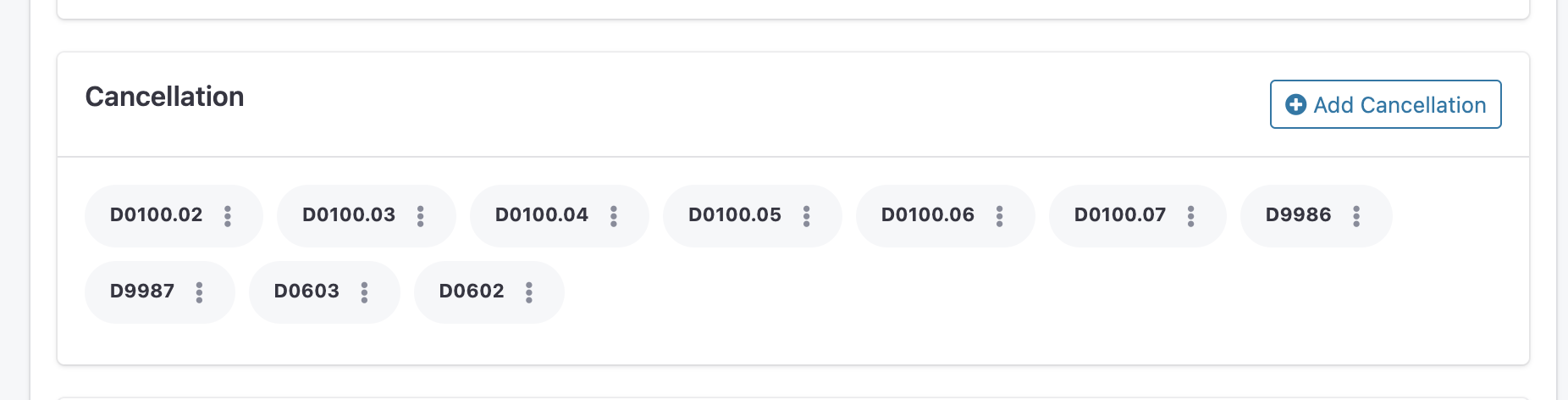
Many offices post $0 codes or "Cancellation/No-Show" codes to the ledger for administrative tracking. To prevent these entries from incorrectly triggering New Patient metrics, you can "blacklist" them.
The Solution: Add administrative or non-clinical codes to the Blacklist.
Path:
Settings>Analytics>Treatment CodesEffect: Any code on this list will be ignored by the New Patient calculation, ensuring your growth metrics remain accurate.
Pro Tip: If your New Patient counts look higher than expected, check your Treatment Codes settings to ensure all "No-Show" or "Administrative" codes are properly excluded.